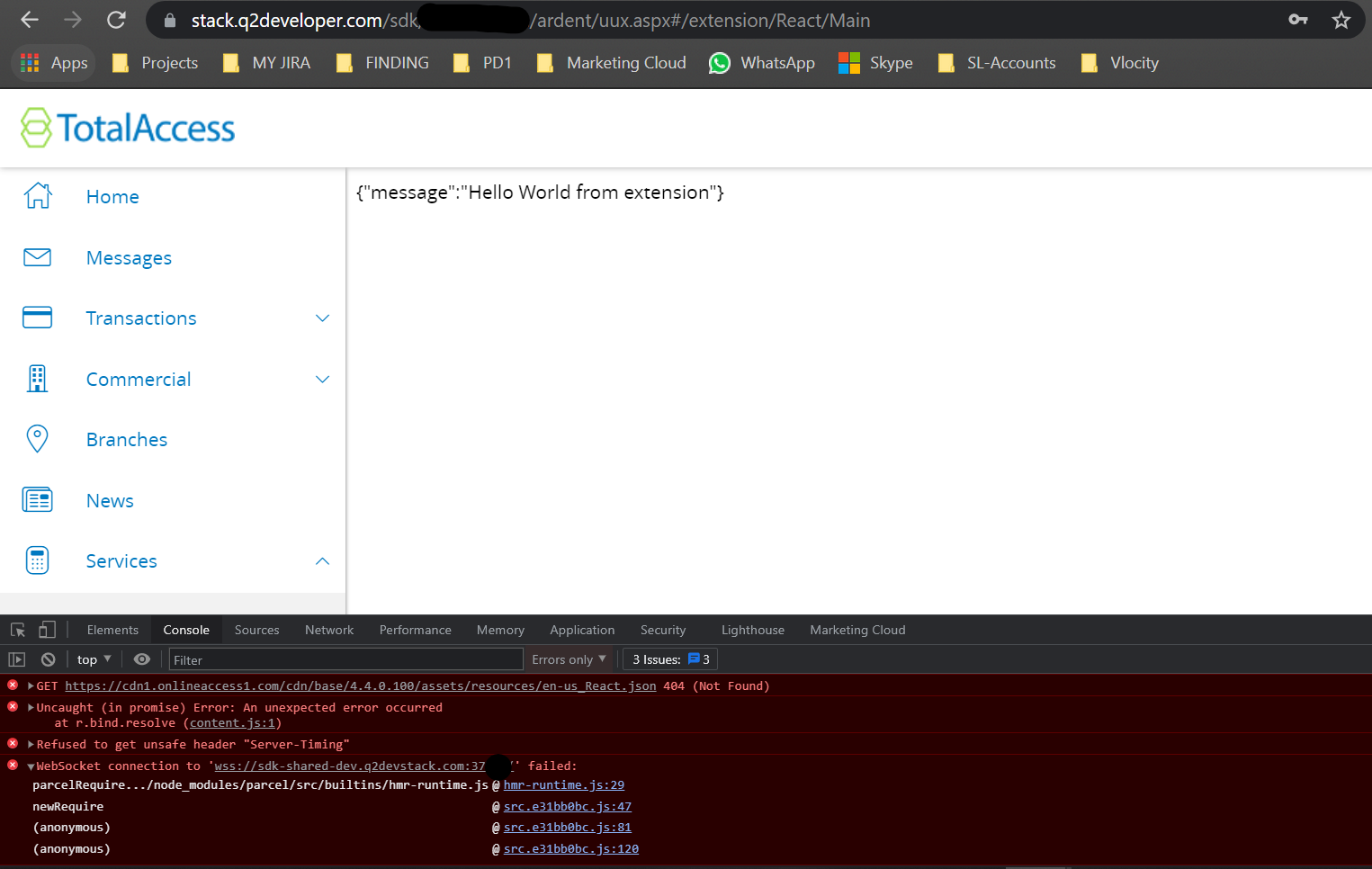

Hi Akshay, if you want to access your static assets that you added under frontend/assets folder then you would have to access like this in the screenshot, check the red box and yellow box to see how I place the image and access the image on browser.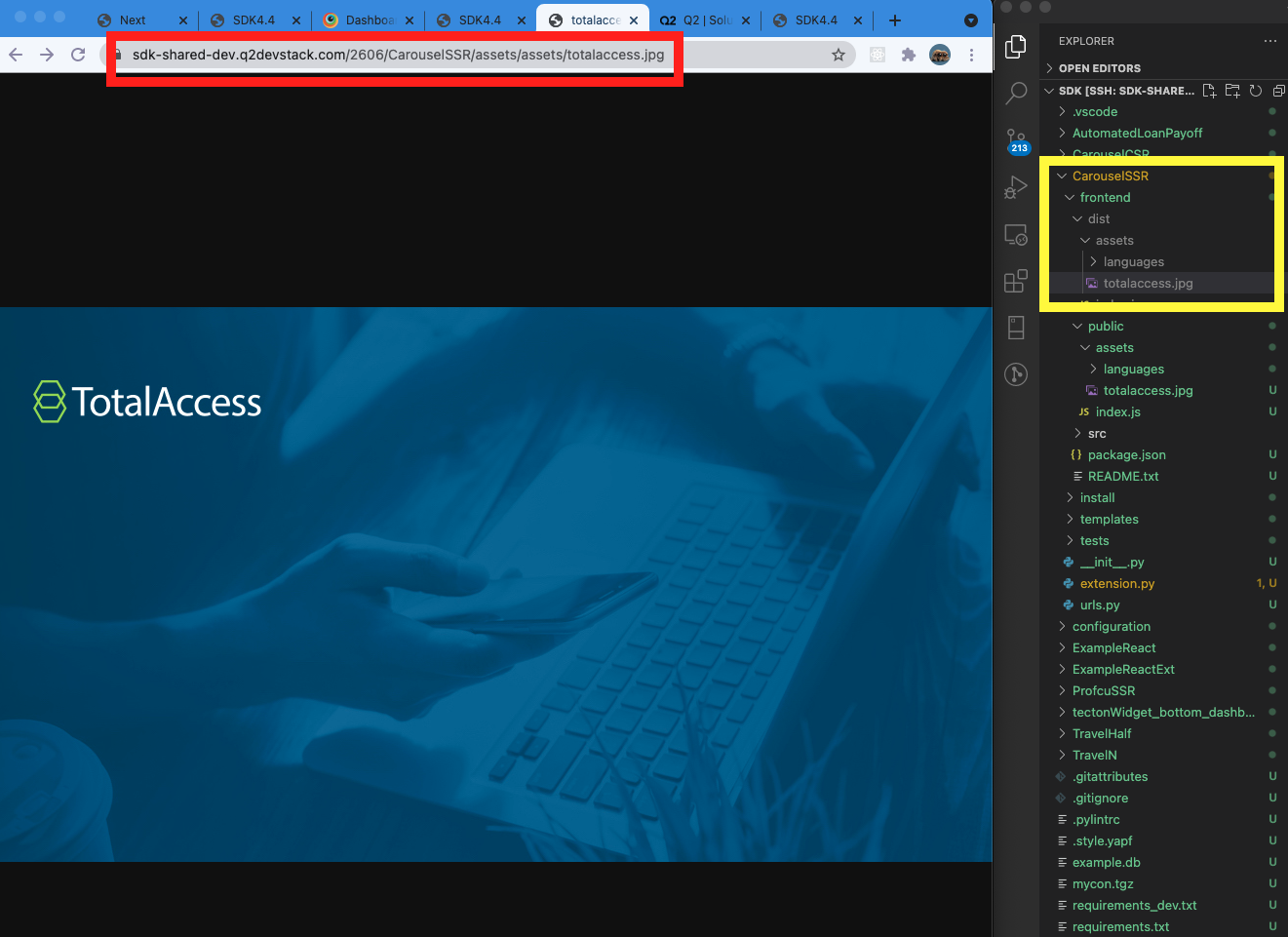
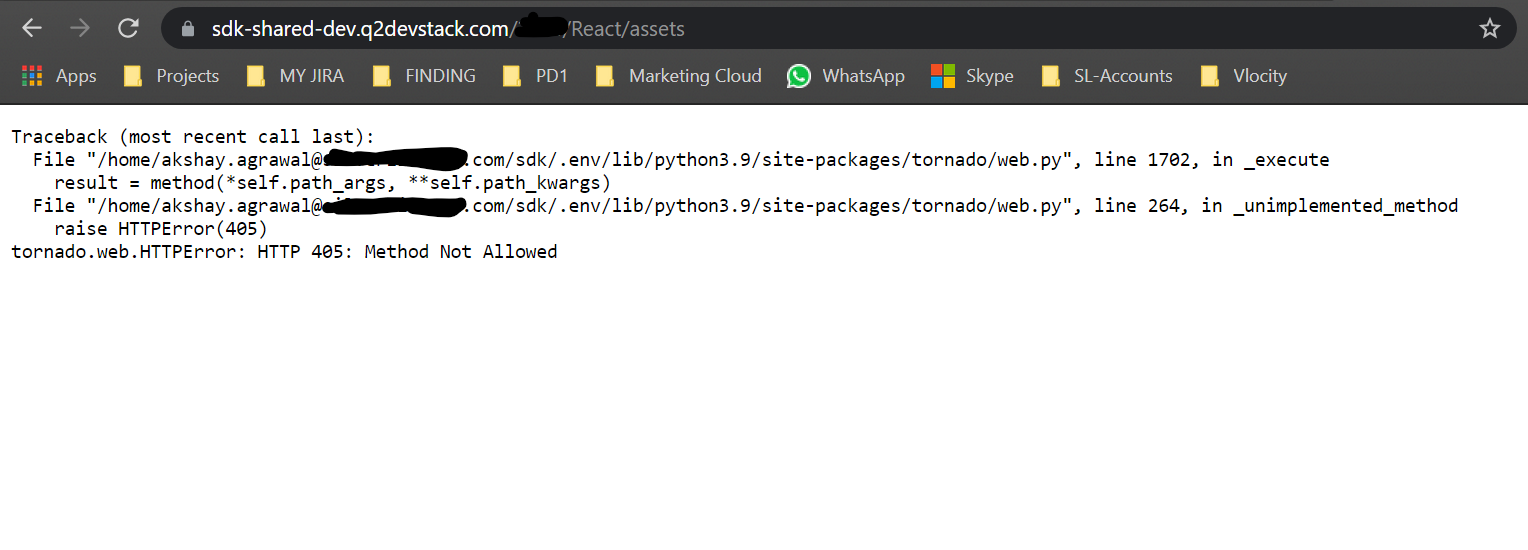
And the reason why you get 405 error is that you don't have default get route handler on your extension.py , but this is not required.
    def get(self, *args, **kwargs):  # pylint: disable=unused-argument
        self.write("Hello World GET: From A extension")
The React example repo is a bit outdated, so we will open a new ticket to make the all dependencies up-to-date.
Let me know if you have any more questions.
Thanks.

Hi Akshay, the question in above for demo purpose.
You can leave the process open even after you exit the terminal.
Try nohup q2 run & , then you can close your terminal or vscode without disconnection,
and the server log will be stored in nohup.out file under sdk folder.
To restart or kill the process, re-visit terminal and use your stack name to find the process.
ps -ef | grep alex.jeong | grep "q2 run" then take the process id and kill
For instance
ps -ef | grep alex.jeong | grep "q2 run"
alex.jeong 11801 28635 1 16:14 pts/11 00:00:00 /home/alex.jeong@q2.com/sdk/.env/bin/python3.9
/home/alex.jeong@q2.com/sdk/.env/bin/q2 run
Then kill 11801
Hi Alex,
Can we access the userinfo by CSR extension I am only seeing the the example by using the Adrent extension.