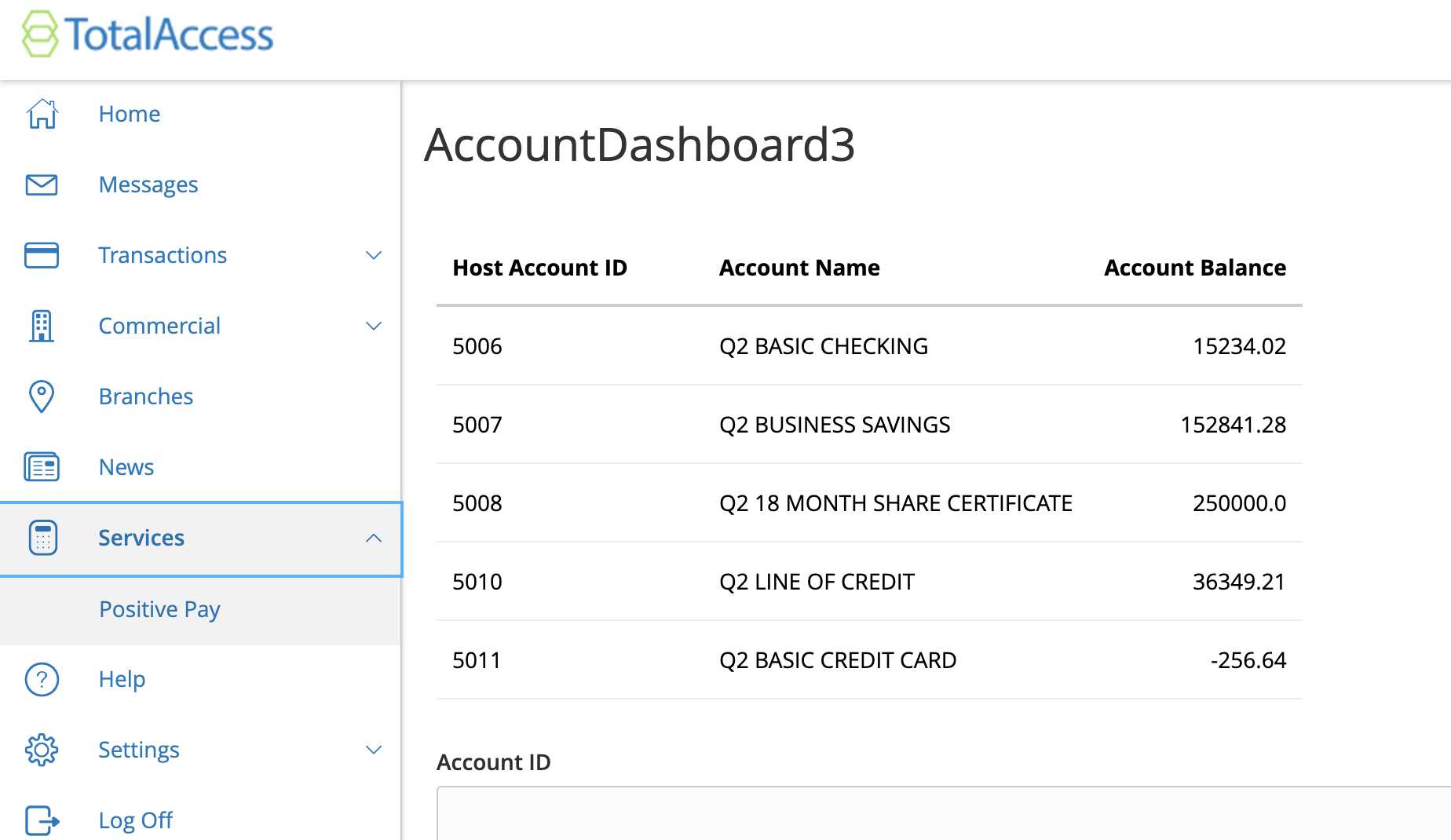
In the tutorial on this page after q2 run it says to go to
http://10.115.4.23/sdk-demo/Uux.aspx#/extension/AccountDashboard/Main
but that it is only an example link. How would I know the proper link to go to? I'm trying to see the form and not just the hello world output.
This is my output after running q2 run if it is relevant
2023-04-15T13:39:28.443 q2_sdk.general  INFO     WebSocketUrl: wss://local-dev-api.q2developer.com/ws/Finit
2023-04-15T13:39:29.670 q2_sdk.general  INFO     Dev socket established to wss://local-dev-api.q2developer.com/ws/Finit
2023-04-15T13:39:29.670 q2_sdk.general  INFO     Service URL: https://local-dev-api.q2developer.com/proxy/dradeng@finitloyalty.com-Finit
2023-04-15T13:39:29.676 q2_sdk.general  INFO     Registered Extensions: ['AccountDashboard']
2023-04-15T13:39:30.366 q2_sdk.general  INFO     Registered Endpoints: ['/AccountDashboard/assets/(.*)$', '/AccountDashboard(?:/(?P<routing_key>[\\w.-]+))?/?$', '/status.html$', '/status/?$', '/inspect(?:/(?P<extension_name>[\\w.-]+))?/?$', '/$', '/logging/?$', '/changelog(?:/(?P<extension_name>[\\w.-]+))?/?$', '/cache/?$', '/metrics/?$', '/dbplan(?:/(?P<extension_name>[\\w.-]+))?/?$', '/admin/?$', '/browser_link/?$', '.+$']
2023-04-15T13:39:30.367 q2_sdk.general  INFO     SDK Version: 2.175.1
2023-04-15T13:39:30.368 q2_sdk.general  INFO     HQ URL: https://stack.q2developer.com/sdk/finitloyalty/hq
2023-04-15T13:39:30.368 q2_sdk.general  INFO     Logging Level: INFO
2023-04-15T13:39:30.368 q2_sdk.general  INFO     Logging Conf: /Users/dradengaffney/Documents/finit2/.env/lib/python3.10/site-packages/q2_sdk/core/q2_logging/default_logging.conf
2023-04-15T13:39:30.368 q2_sdk.general  INFO     Settings File: /Users/dradengaffney/Documents/configuration/settings.py
2023-04-15T13:39:30.368 q2_sdk.general  INFO     Debug Mode: True
2023-04-15T13:39:30.368 q2_sdk.general  INFO     Fork Mode: False
2023-04-15T13:39:30.368 q2_sdk.general  INFO     OpenTelemetry Enabled: False
2023-04-15T13:39:30.369 q2_sdk.general  INFO     Starting HTTP Server on port 1980
2023-04-15T13:39:30.370 q2_sdk.general  INFO     Serving assets for AccountDashboard at https://local-dev-api.q2developer.com/proxy/dradeng@finitloyalty.com-Finit/AccountDashboard/assets
2023-04-15T13:39:30.370 q2_sdk.general  INFO     Calling invalidate on 1 HQs: ['https://stack.q2developer.com/sdk/finitloyalty/hq']
2023-04-15T13:39:31.021 q2_sdk.general  INFO     Ardent cache refreshed