Unanswered
I didn't realize it's just under services tab in total accesss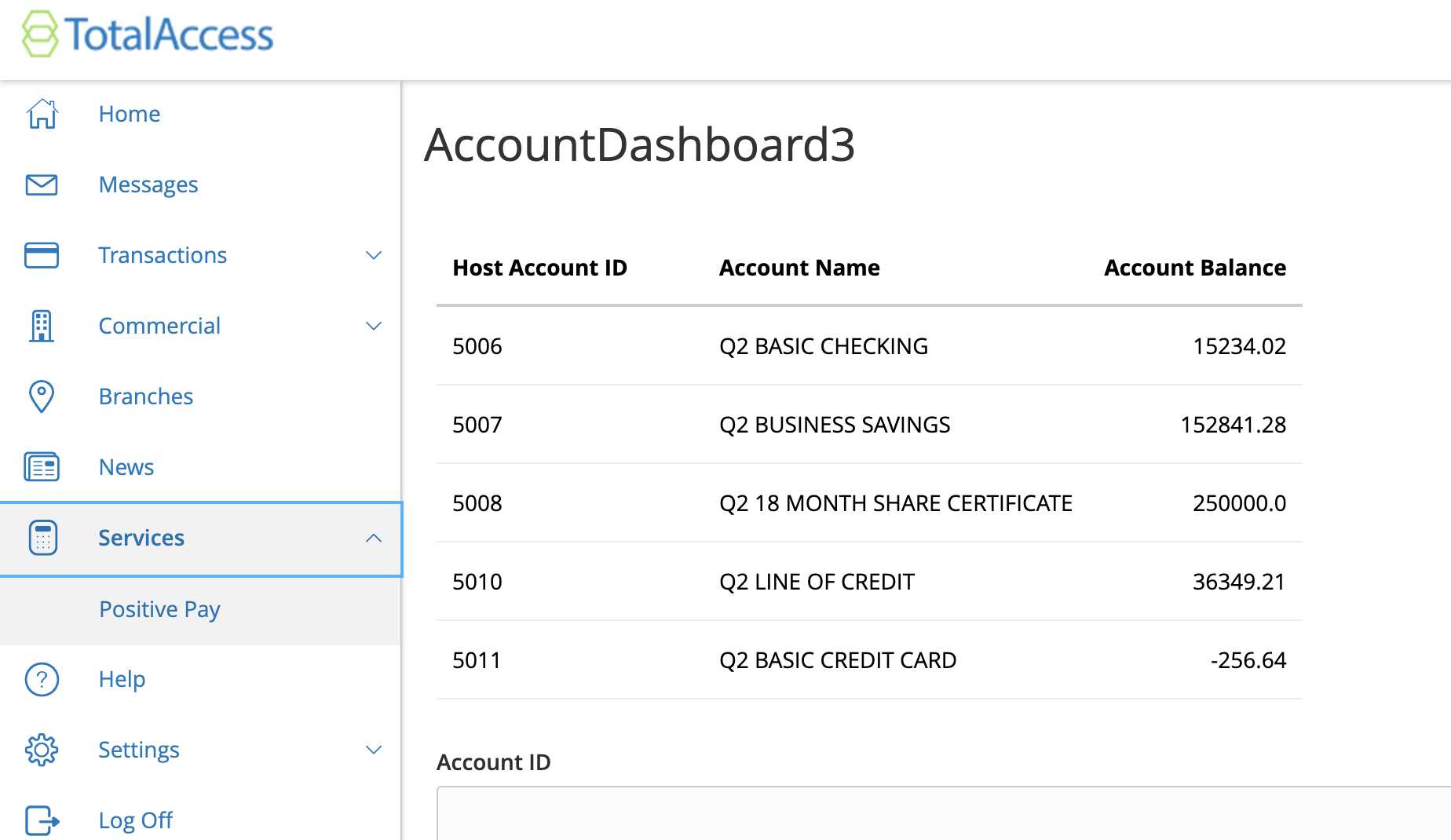

18 Views
0
Answers
3 years ago
3 years ago
To view the online banking view yes. Log in to your sandbox and then view your extension in the navigation node you set during add_to_nav. You can see information about your server and if it is running in the url in the log line Service URL: which in your case is https://local-dev-api.q2developer.com/proxy/dradeng@finitloyalty.com-Finit Which you can append to it to get to your exact extension. Should be something like https://local-dev-api.q2developer.com/proxy/dradeng@finitloyalty.com-Finit/sdk-demo/Uux.aspx#/extension/AccountDashboard/Main
— Trey Teter 3 years ago