Unanswered
One option for you. In the outermost container of your widget, you can apply a negative margin that should cancel out the tecton applied margin: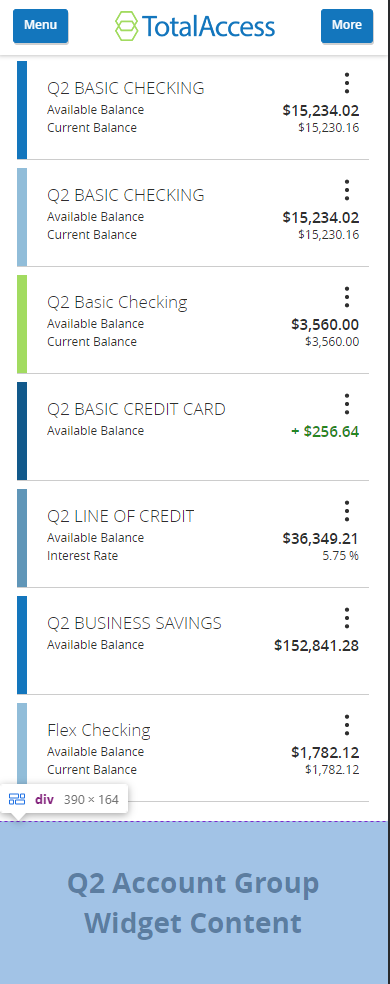
So in this example it would look like this in the widget html / css:
<div class="widget-container">
	<div>Q2 Account Group Widget Content</div>
<div>
div.widget-container {
    margin: -15px;
}
I hope that helps.

34 Views
0
Answers
4 years ago
4 years ago
This is a creative solution. There is no way to natively change this margin though for now.
— Trey Teter 4 years agoI tried this but it doesn't work since our component is contained inside an iframe which is inside a div that has the margin. Adding a negative margin just pushes our stuff outside the boundaries of the iframe
div (margin) -> iframe -> our component
— David Maksimov 4 years ago