
Properties that are objects or arrays must be set using JavaScript, like this:
document.querySelector('#your_input').hints = ['hint 1', 'hint 2'];
New to Q2 and currently trying to add hints to a q2-input text elment, but I don't understand where to add the hints array. Tried adding it to the element itself but it didn't show anything. I've tried toggling the hints in the Tecton documentation but it doesn't change the element produced code. Any idea where I should place the hints array to get it show?
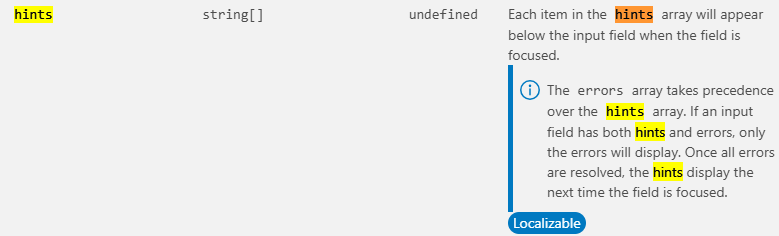
Properties that are objects or arrays must be set using JavaScript, like this:
document.querySelector('#your_input').hints = ['hint 1', 'hint 2'];
